For Microsoft SharePoint and Azure DevOps
 A page tree, rich editing, live blocks and comments, with every page stored in your own SharePoint site or Azure DevOps repository.
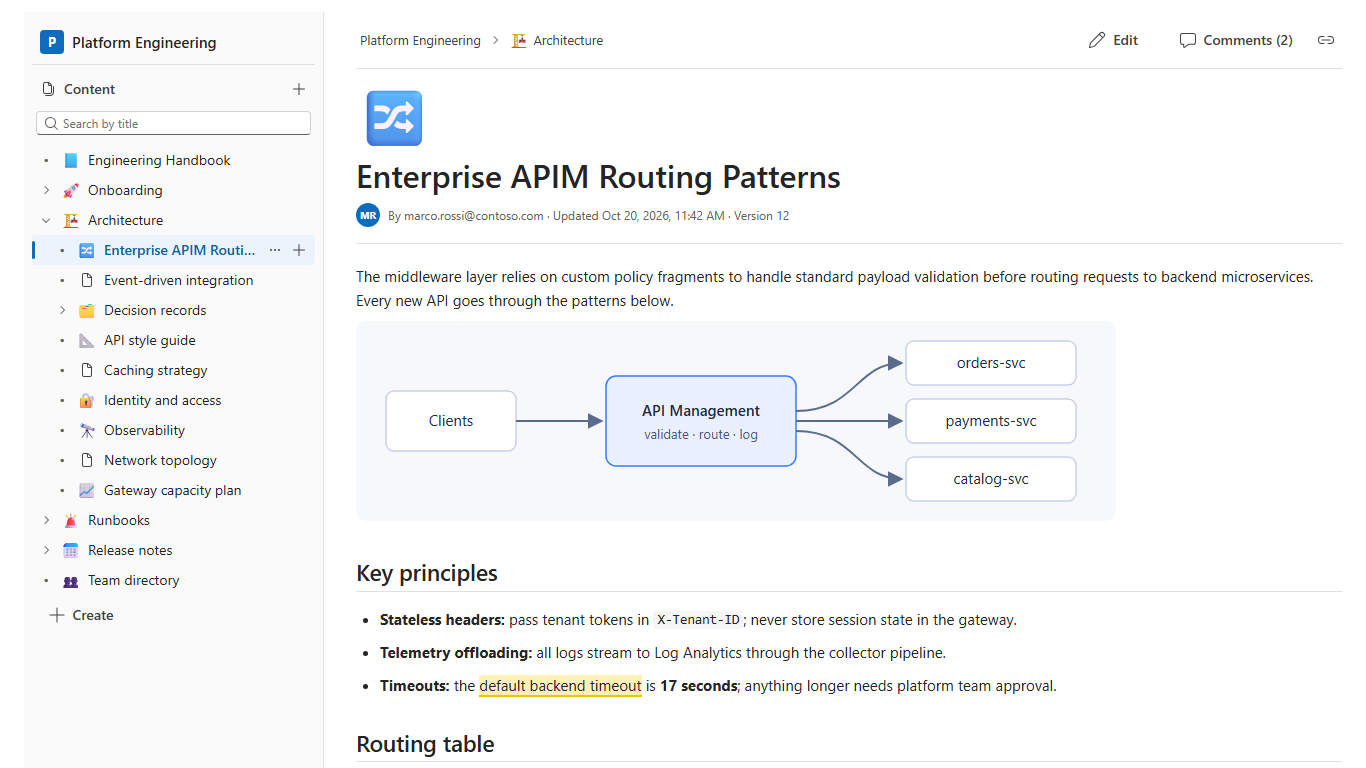
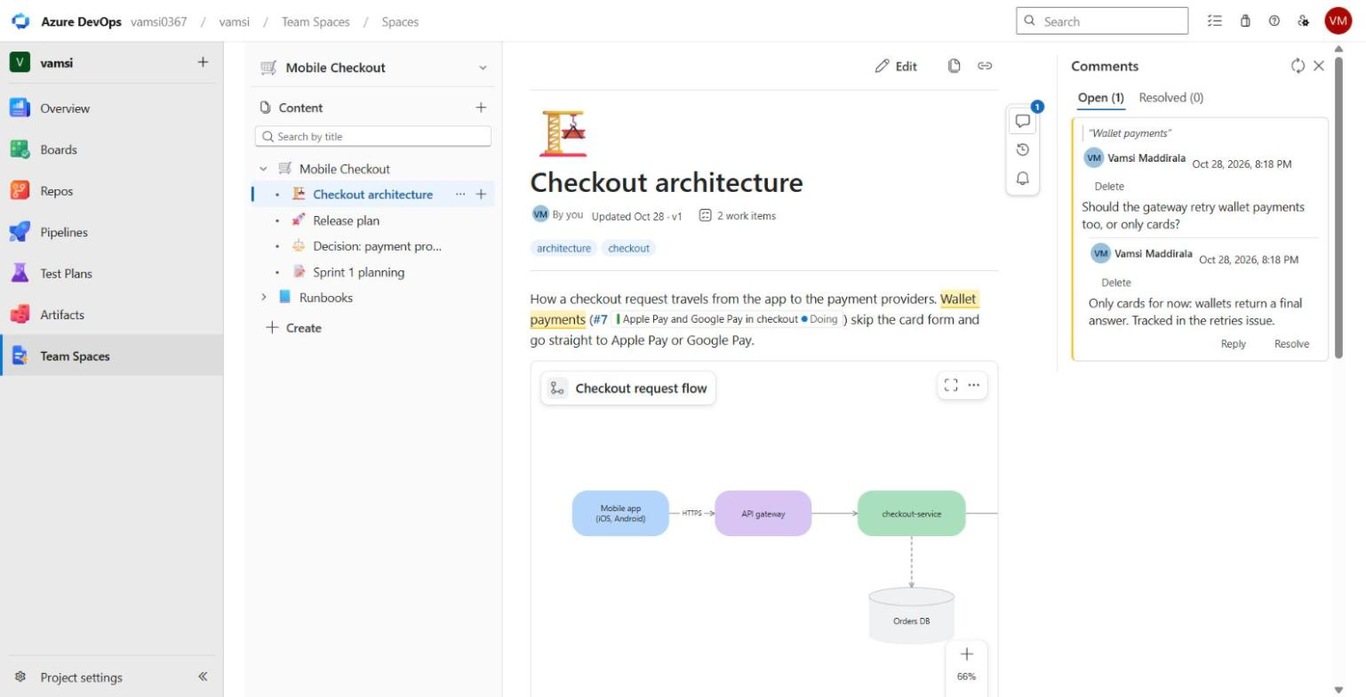
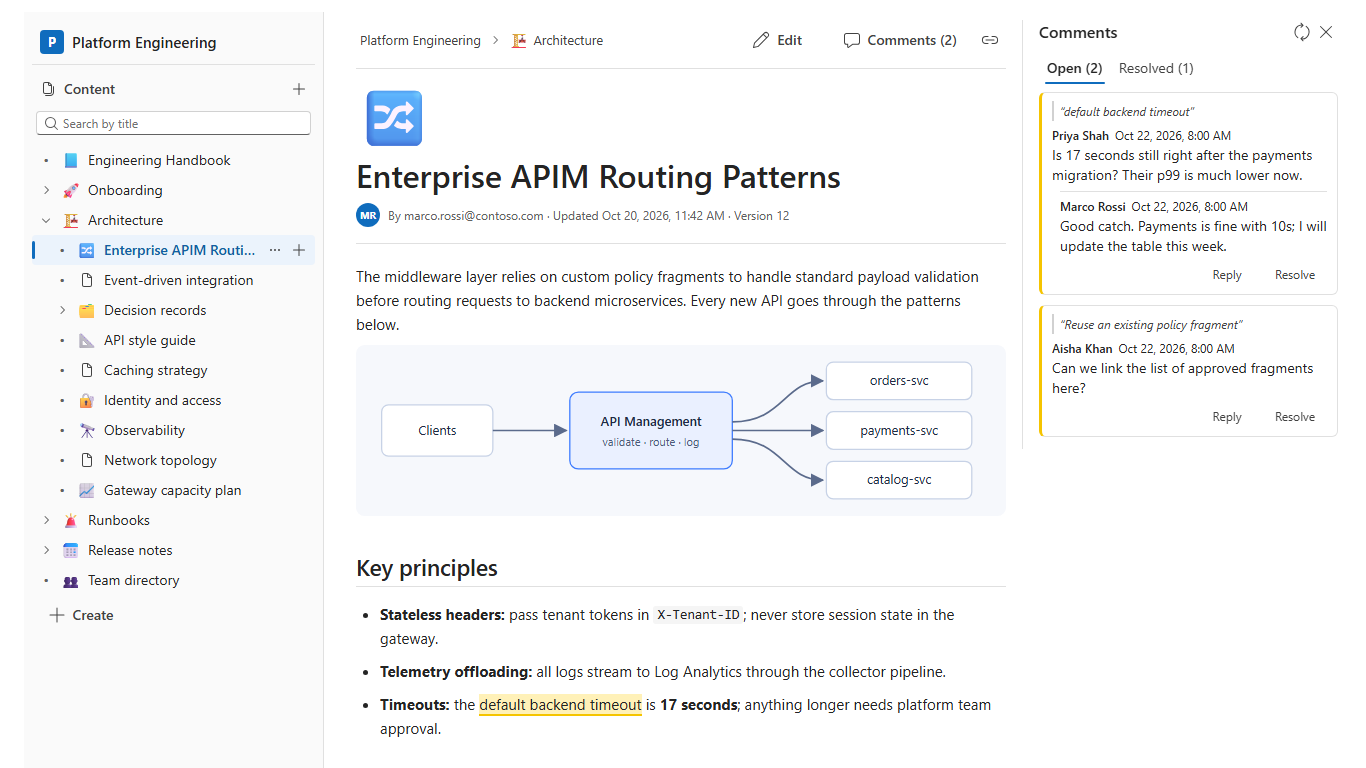
TeamSpaces turns a SharePoint site into a team wiki. Organise pages in a tree with folders and emoji icons, edit them in a rich editor with drafts and edit locks, and discuss them with inline comments. Every page is stored as a plain Markdown file in a library on your own site, so it's searchable, versioned, and readable by Microsoft 365 Copilot. Site owners set up storage from the page itself; no scripts or app registrations are needed. Existing Markdown documentation, including exports from other wiki tools, can be imported in the browser.
TeamSpaces sends no data outside your Microsoft 365 tenant: pages, drafts and comments are stored in libraries and lists on your own site. See the privacy policy.
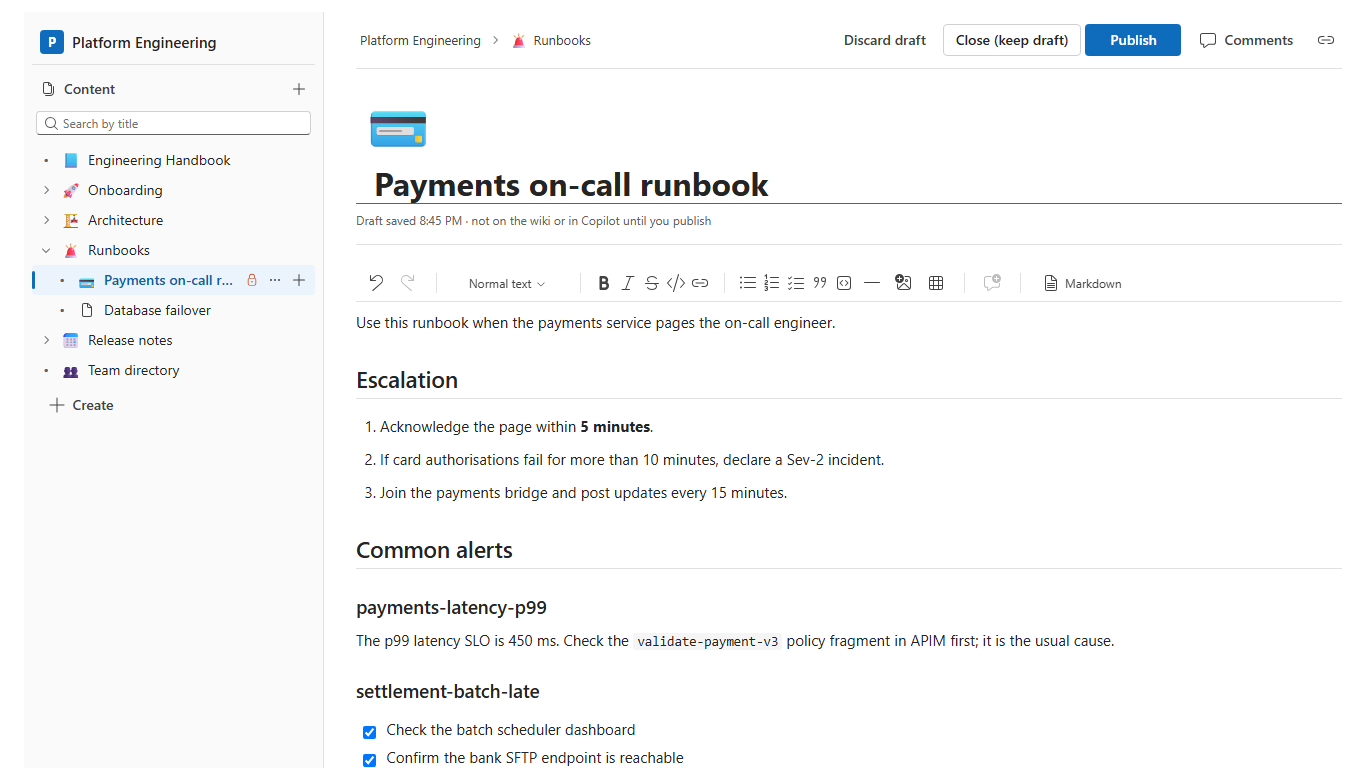
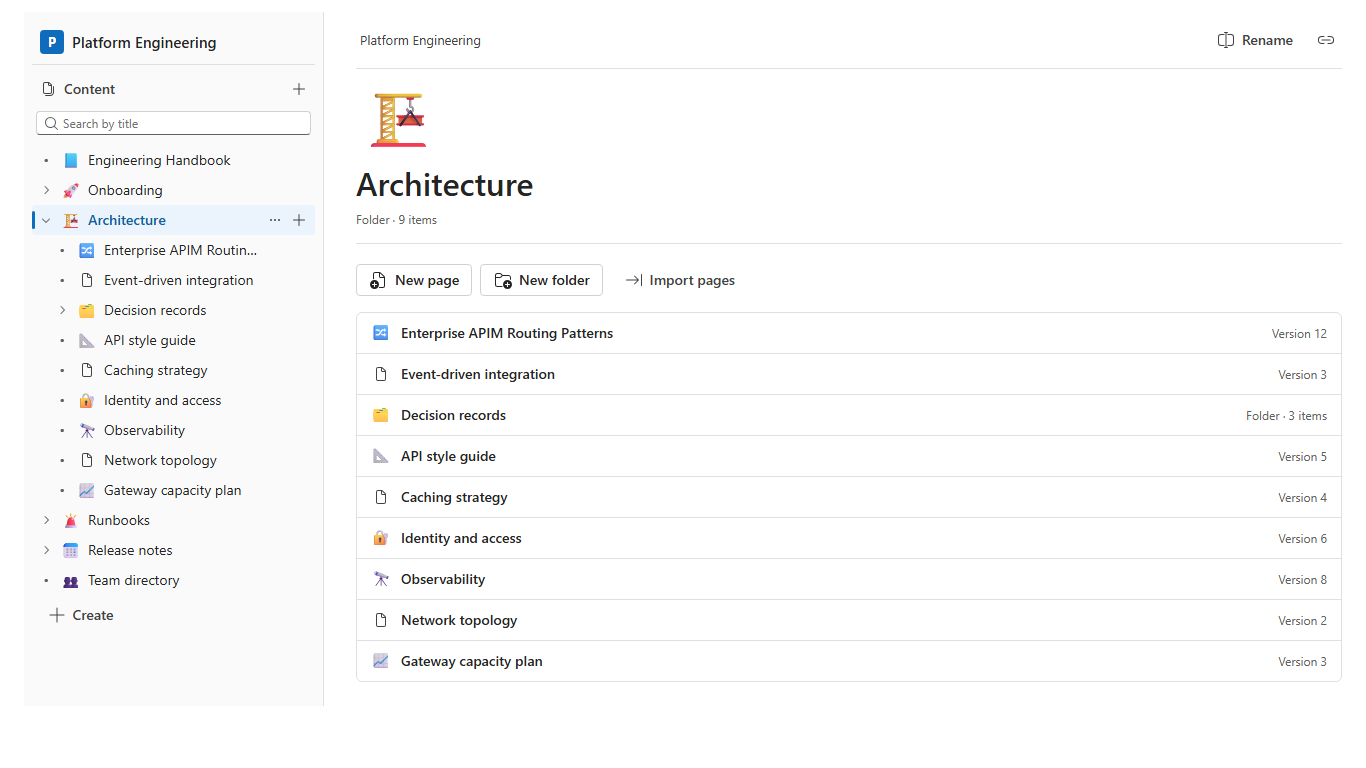
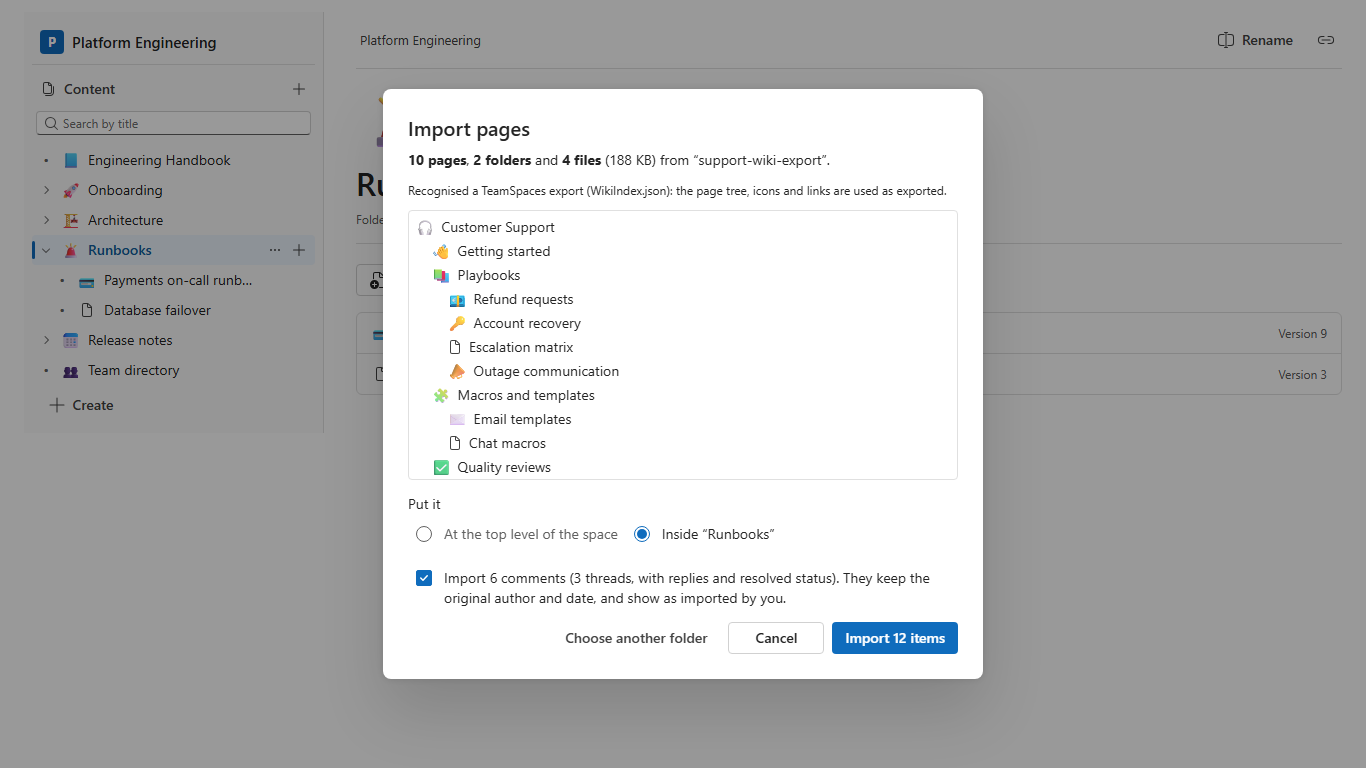
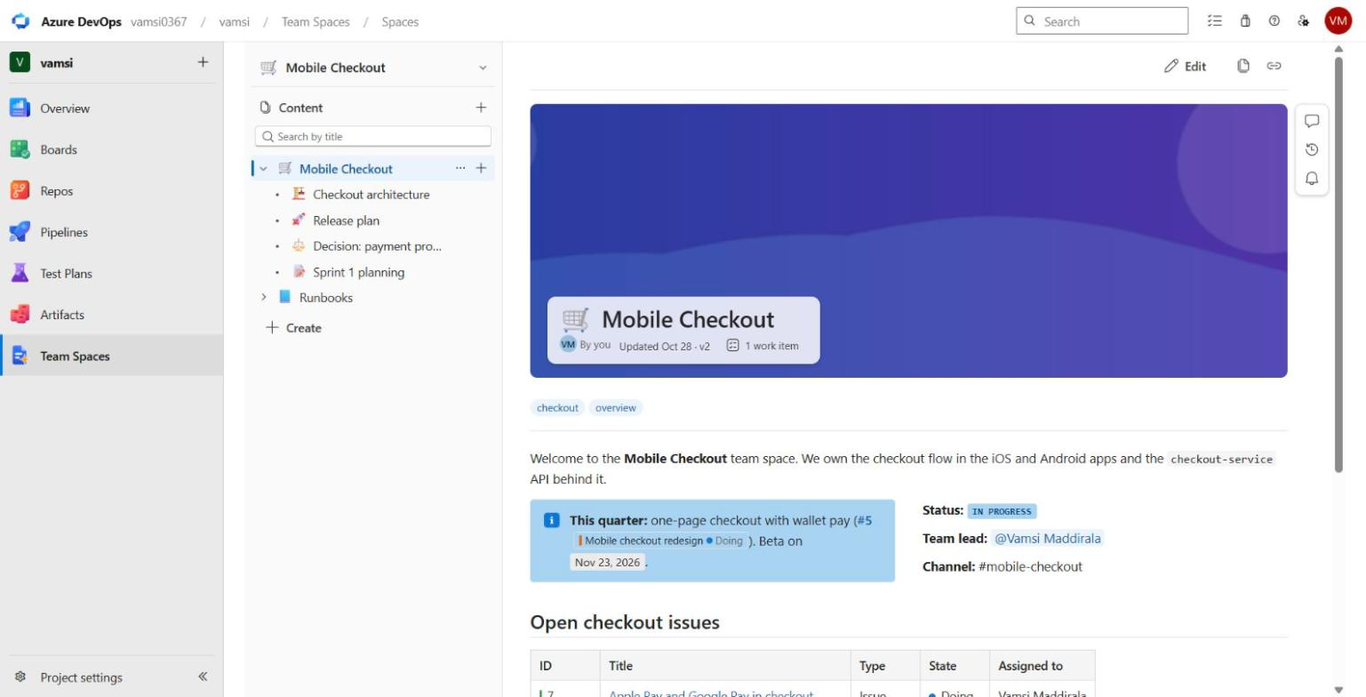
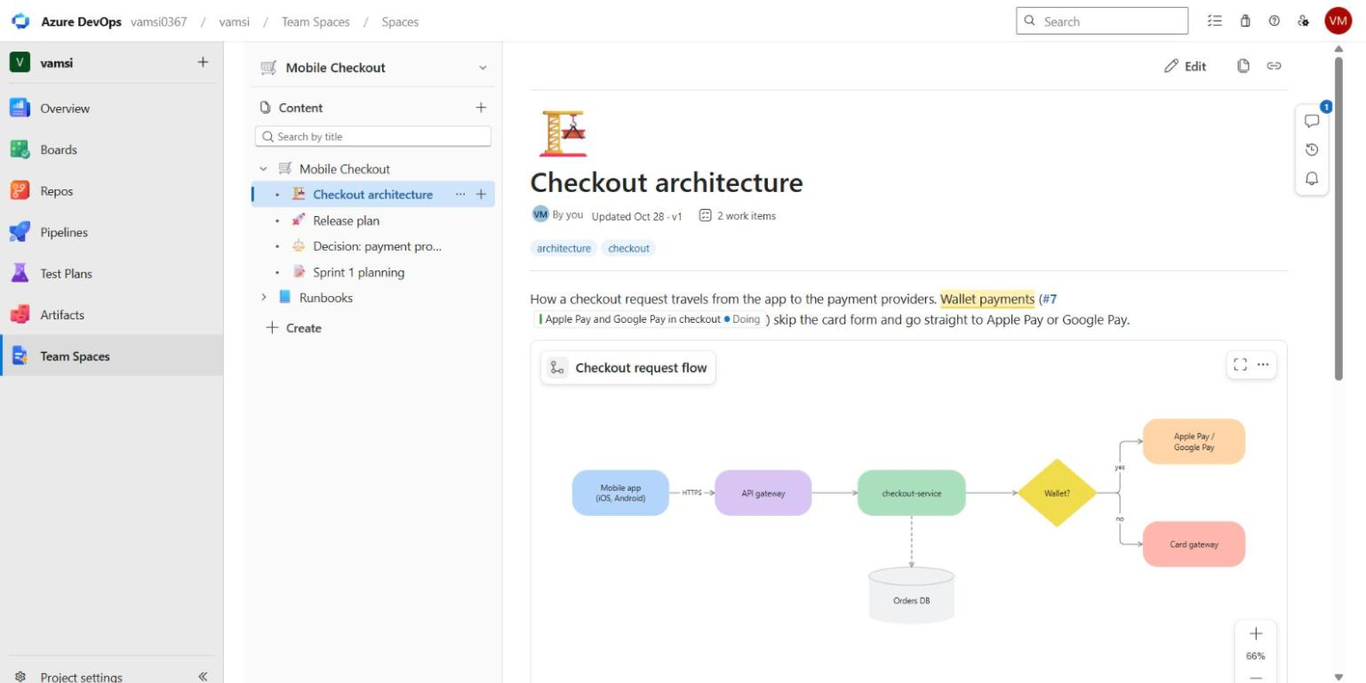
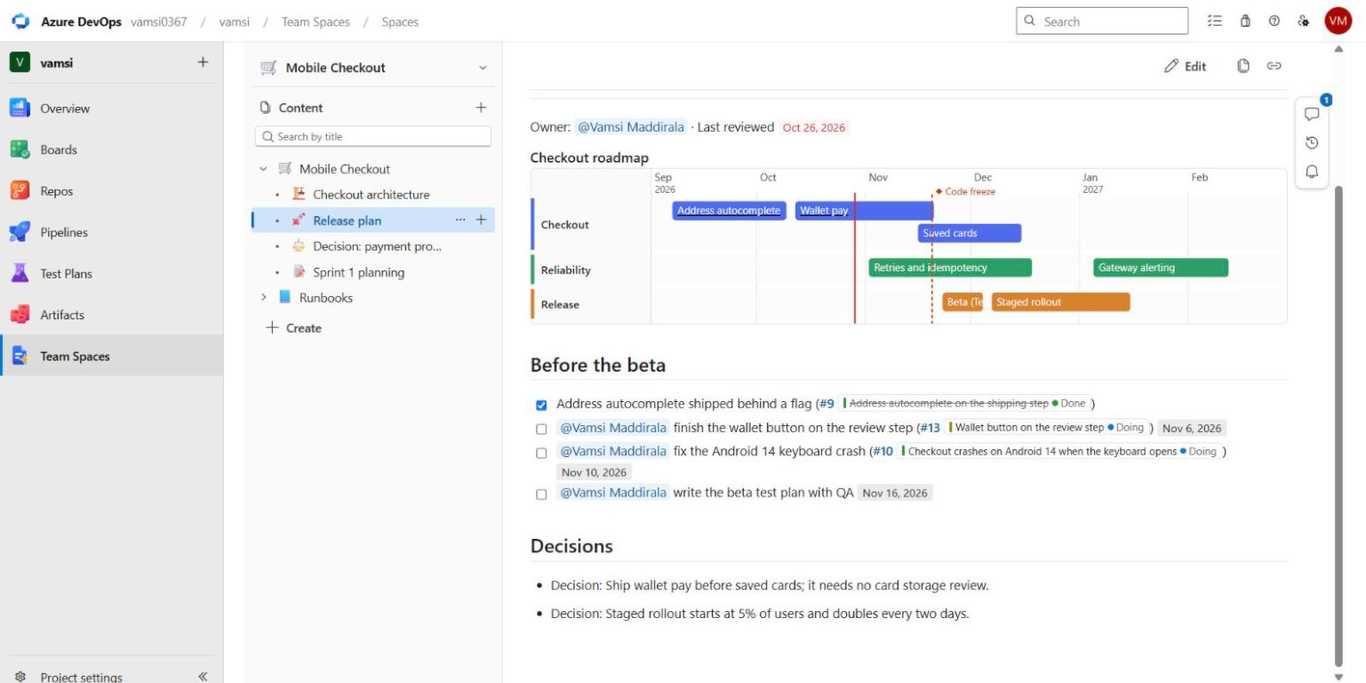
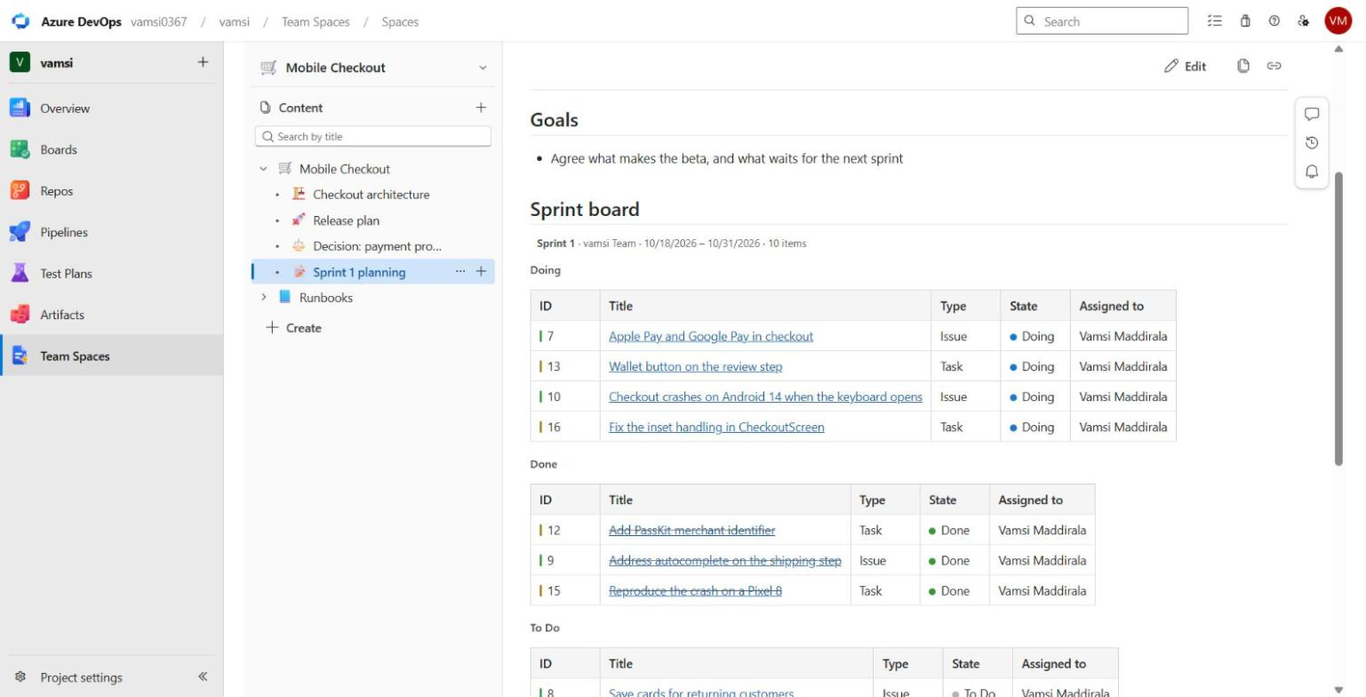
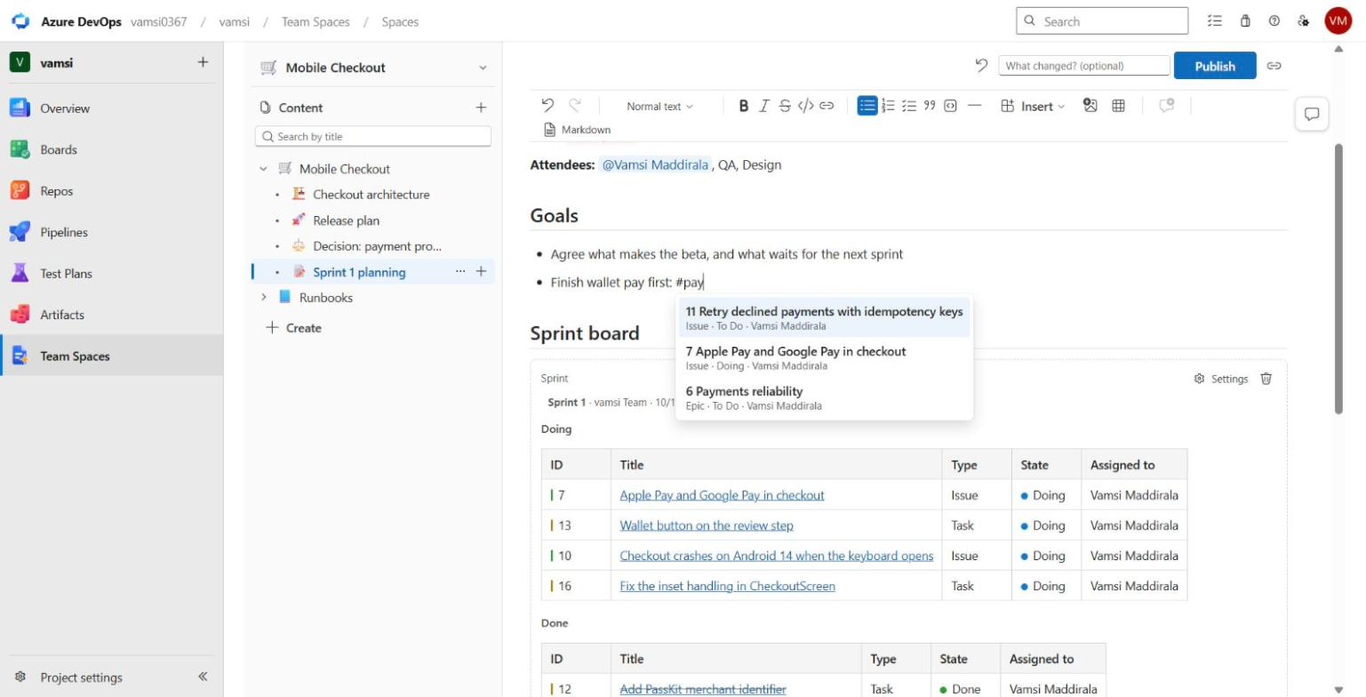
The same spaces as a project hub in Azure DevOps. Each space keeps its published pages in a Git repository in your project, shown as a code wiki, so they're in the wiki search and Microsoft 365 Copilot's Azure DevOps wiki connector can index them. Type # to link a work item, add live blocks for a sprint, a saved query, pipeline runs or pull requests, and the page shows in the work item's Links tab. Everyone edits their own draft, and nobody is locked out of a page.
New in 0.2: Mermaid and PlantUML diagrams, code highlighting, export to PDF and Word, embeds, charts and work item cards, a content health view with page owners and review dates, full-text search of a space, starred pages, following a page and the pages under it, and a dashboard widget that shows a page.
Nothing leaves your organisation unless a space turns on embeds or PlantUML: see the privacy policy. Install it from the Visual Studio Marketplace.